
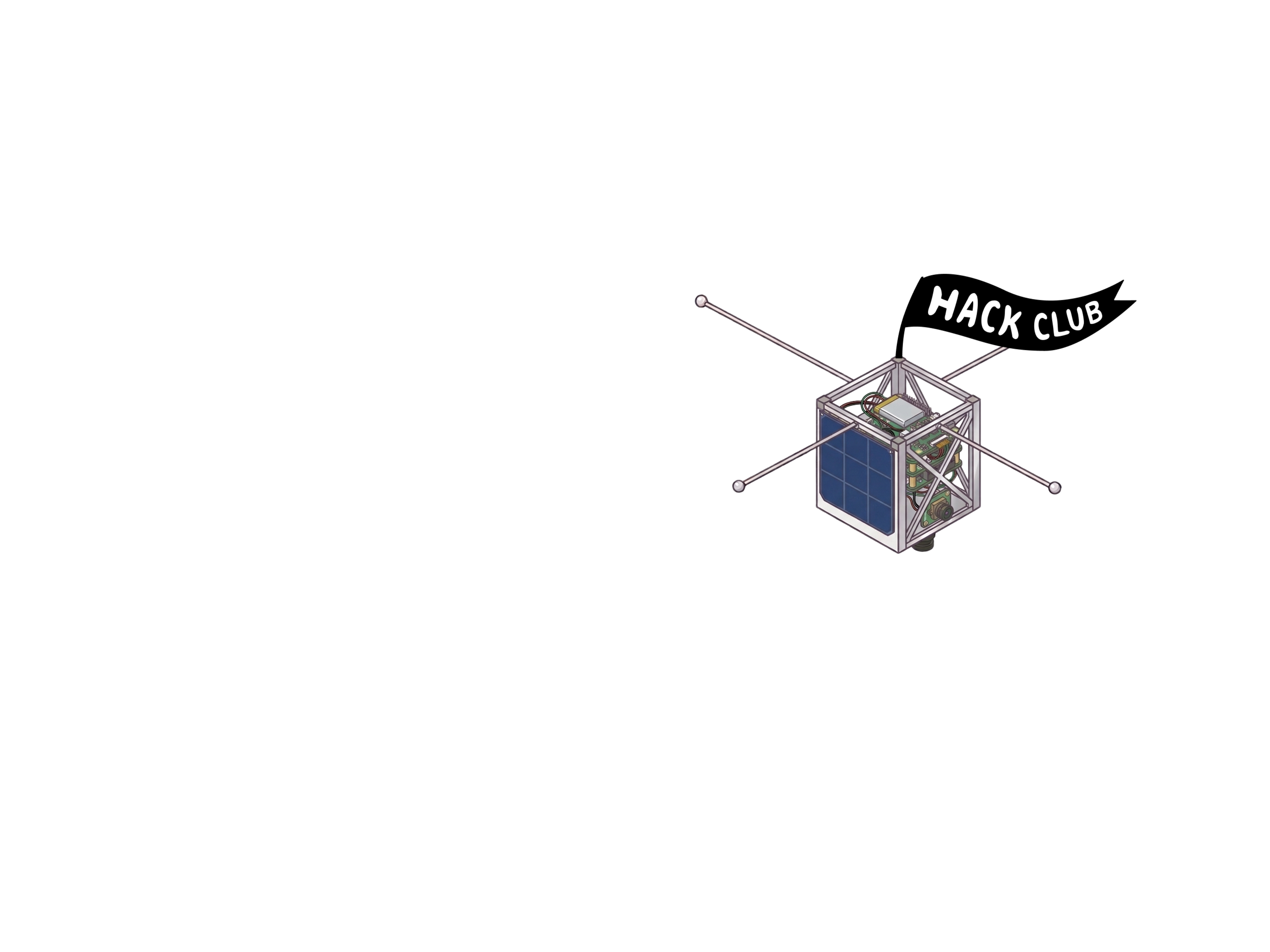
Design and code real CubeSat flight firmware. Get it reviewed. Receive a 1U CubeSat kit. Flash it, assemble it, ship it.
Designed in Fusion 360 · Drag to rotate · Scroll to zoom
Code the onboard firmware — ADCS, power, comms, camera, sensors. Track every hour in Hackatime.
Submit your codebase. We check architecture, quality, docs, and Hackatime logs. Approval = shipment.
Flight computer + IMU + camera + your chosen sensors. Shipped directly. No kit without approved code.
Flash firmware, assemble, test. Submit hardware review, claim your grant and prizes.
Software design, coding, testing, and hardware build time all count. Roughly $5–7 per hour. Don't need cash? Convert hours to tickets for the prize shop.
Design and write the onboard firmware for your CubeSat. This phase must be approved before we ship you any hardware.
Hackatime automatically logs your active editor time by project. Every minute on firmware counts toward your grant. hackatime.hackclub.com →
Install Hackatime. Create a GitHub repo. Open Journal.md and log your first session. No hours tracked = no grant.
Plan how subsystems communicate before writing code. Write an Architecture Doc covering your task scheduler, sensor drivers, comms protocol, and boot sequence.
Build each subsystem: IMU driver, camera pipeline, power management, comms, and your add-on sensors. Test on a simulator or dev board. Log test results.
Submit your repo. We review architecture, source code, test results, and Hackatime logs. Approved submissions unlock hardware shipment — no exceptions.
Every session — date, Hackatime hours, what you built. No journal = no grant.
Subsystem design, data flows, task scheduling, boot sequence, comms protocol.
All firmware organised by subsystem. Must compile and run on your test platform.
Simulator or dev board logs showing each subsystem working as designed.
What you built, how to flash it, what each subsystem does, links to all docs.
Link to your Hackatime project so we can verify coding hours independently.
Your software is approved. Your kit is on the way. Flash it, wire it, and build the satellite your code was written for.
Hackatime still auto-tracks firmware tweaks during hardware build. Physical sessions (soldering, wiring, testing) go in Journal.md manually. Both count. hackatime.hackclub.com →
Check everything arrived — flight computer, IMU, camera, and your chosen sensors. Document with unboxing photos. Log the session in Journal.md.
Flash your approved firmware to the flight computer. Verify it boots and each subsystem initialises. Commit any hardware-specific fixes.
Solder headers, connect the IMU and camera, wire your add-on sensors. Log every session in Journal.md with hours. Photos at each stage.
Run your test suite on real hardware. Sensor readings, camera capture, comms, power. Log pass/fail per subsystem in your Hardware Test Log.
Record your demo video, submit for Hardware Review, fill out the Rewards Form. Claim your grant (both phases combined), badges, and prizes.
All hardware sessions added — date, manual hours, what you built.
Unboxing, mid-assembly, wiring, finished satellite. More = better.
Sensor readings, camera, comms, power — pass/fail per subsystem.
Satellite powered on, firmware running, subsystems demonstrated live.
Same link from software phase — we check total hours across both phases.
Three tracks — space systems, systems engineering, and flight software. Every hour in any track counts toward your grant.
Understand the physics and engineering of real spacecraft before you write a line of code.
Every design decision you document is funded work.
The software running on your CubeSat is real embedded firmware. No shortcuts.
Every approved software submission gets the same core hardware. Your chosen add-on sensors ship with it.
ARM-based microcontroller running your firmware. Handles all subsystem communication, task scheduling, and data management onboard.
9-DOF inertial measurement unit — 3-axis gyroscope, accelerometer, and magnetometer. The backbone of your attitude determination system.
Onboard imaging sensor. Capture frames, buffer them, build your downlink pipeline. Your primary payload to design around.
Choose during your design review — they ship with the rest of the kit. Your firmware must include working drivers for whatever you select.
Sensor availability confirmed at launch. Propose your own during design review — we'll work with you to source them.
A basic iron is fine — the kit connections are straightforward. You'll need it to attach headers and wire sensors.
To flash firmware, run tests, and commit to your repo. Any machine that runs CircuitPython, PlatformIO, or the Arduino IDE.
To document your build with photos at each stage and record your demo video. Coverage matters more than quality.
Ship working software and you're a mission contributor. Ship the full satellite and you're a mission commander.
Software submitted and code review passed.
Software approved — CubeSat kit ships to you.
Full satellite built and hardware review passed.
Exceptional — custom PCB, live telemetry, rare badges.
Common questions about Uplink, the kit, and how everything works.
Free to join. For Hack Clubbers only. Write the code. Build the satellite.